
Issue 53 - Why I Uninstalled Cursor After Using It for a Year
Insight in Claude Code. Who is Hiring. You are the Art. Vibe-Coding Gone Wrong. AI Adoption Journey. Keep Young Kids Away from Tech. Just Use Postgres. How to Get a Remote Job and Much More.

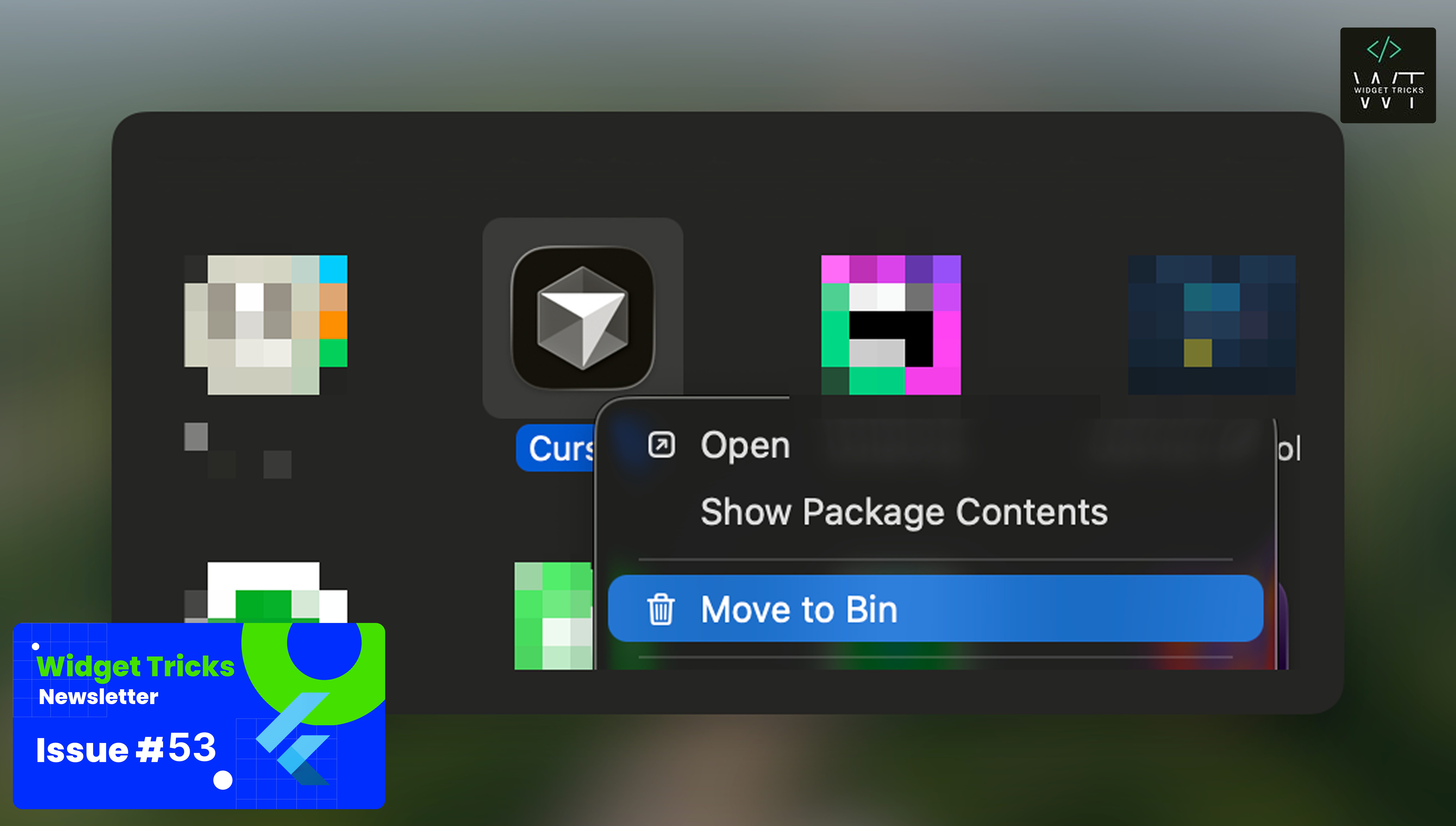
I am an IntelliJ user for a decade and moved to Cursor last year. The reason I wanted to try Cursor was its promise of AI integration directly within the IDE. Here are my honest thoughts after using it extensively.
Why I Choose Cursor
I genuinely liked Cursor because no other IDE was doing anything similar. Three things that stood out for me was...
Inline Diff Review — Getting all the diffs right inside the IDE and being able to accept each individual line felt promising.
Inline Code Generation — I could select a function and ask the AI to generate or modify code based on it. Simple, effective, and fast.
Natural Language Terminal — Type a plain English instruction in the terminal and get the corresponding command
The Initial Struggle: Key Mappings
Cursor is a fork of VS Code, and it comes with VS Code bindings. I am an IntelliJ user, so I used the IntelliJ Key-map Plugin to bring over familiar shortcuts, and it worked about 70–80% of the time.
Every new habit takes time, though. I struggled for about a month, and eventually, it started clicking. I became comfortable using shortcuts, moving panels, and leveraging the AI tools inside Cursor, similar to IntelliJ.
Cursor’s AI Agent Fell Short
After using Cursor’s built-in AI agent for a while, I found it wasn’t good enough. The output was average and the agent kept derailing even after setting up cursor rules. I got better result from Claude free version hence I though of using Claude code.
Referencing files from the terminal was hacky and slow at first, but I got my work done and gradually got used to it. There was no UI initially, but than VS Code got an extension that brought Claude Code into a chat interface — and I really liked that.
The Plan.md Workflow Changed Everything
I adopted a plan.md workflow where I plan everything out first. Instead of juggling 10 to 12 files changing all over the place. Instead of going through each line to accept or reject changes, I work from a single document.
Once those changes are applied, I use the Git diff tool to review them. Since I’ve already accepted the plan, I usually accept majority of the generated code. My review process becomes:
Check the diff before running the code
Ask Claude Code for any changes
Run the code and verify it works
Review the Git diff one more time before committing — checking whether each change was truly necessary
This workflow completely eliminated my need for Cursor’s line-by-line code acceptance feature. I simply don’t need it anymore.
Why I Left Cursor
Claude Code became the only agent I was using, so I didn’t need Cursor’s agent UI or tooling at all. Honestly, I didn’t even bother trying other tools because Claude Code was working so well, and I didn’t want to invest time learning something that might become obsolete. Following are the main reason for switch back.
Using Git for Diff : No need for Accept/Reject UI feature for each file
zsh-ai from Terminal : This allows me to generate command from any terminal
Cursor’s constant UI changes — The agent editor kept shifting between pop-ups, chat, and terminal. It broke my workflow repeatedly.
Redundant costs — I was already paying for Claude Code and wasn’t using any Cursor-specific features.
Run everywhere : I can run my AI agent anywhere with Claude Code, which I also use in my Obsidian vault.
My Current Setup
Now I’m back on IntelliJ + Claude Code, and it works really well for me.
The one thing I genuinely miss from Cursor is tab completion. It was blazing fast and made writing boilerplate code effortless. IntelliJ’s tab completion isn’t as quick. But I am fine with that for now.
What’s your AI coding setup? Have you ditched a popular tool for something simpler? Share your experience in the comments.
💡Flutter/AI Tips & Tricks:
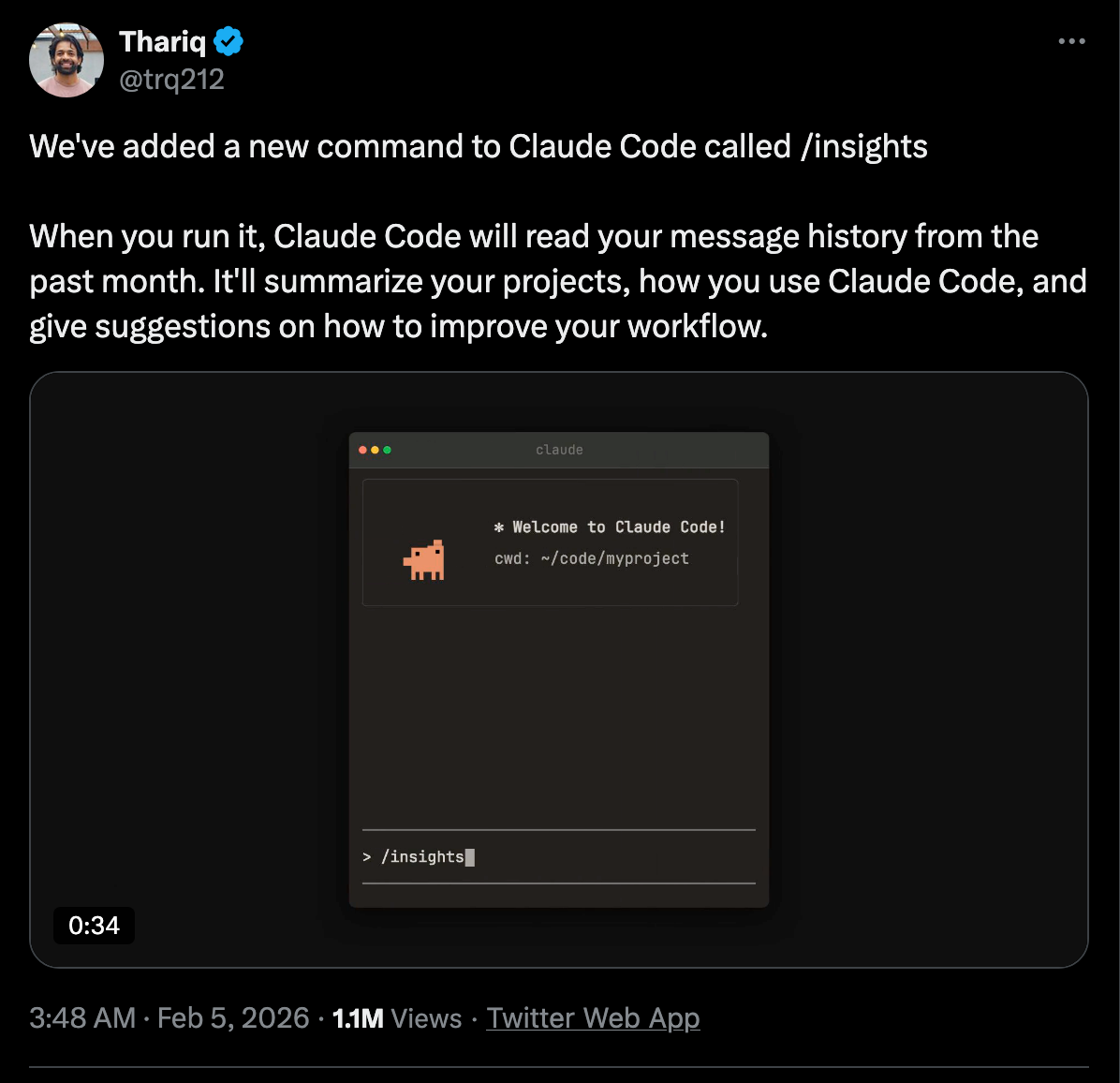
1. Claude Code Insight Command
2. The Complete Guide to Nano Banana Pro- 10 Tips for Professional Asset Production

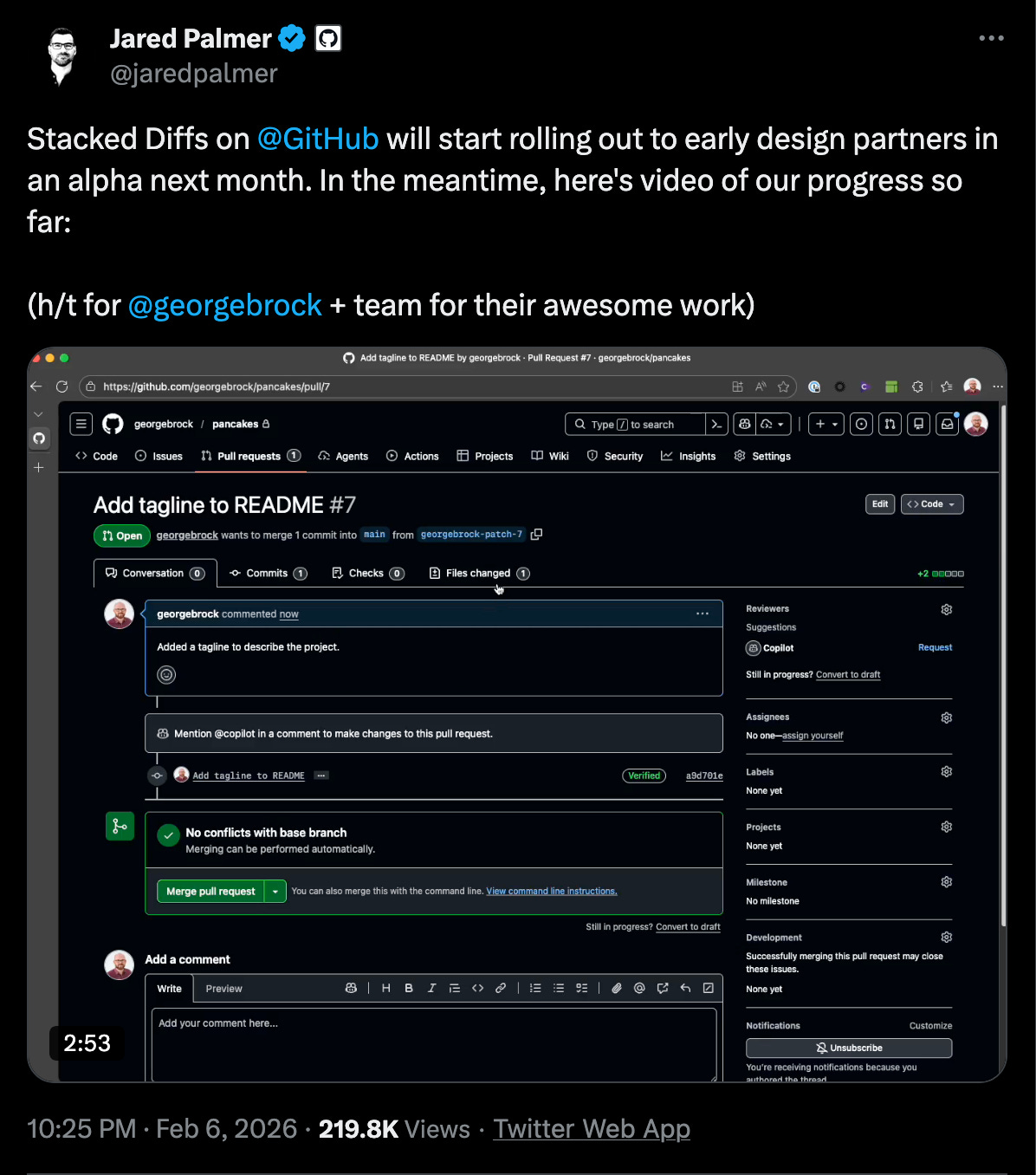
3. Stacked Diffs on Github
💼 Jobs to Apply:
1. (Senior) Software Engineer Flutter (m/f/d) at 1KOMMA5°
- Hamburg, Remote, Berlin, München
We are looking for you to join our tech team in Berlin, Munich, or Hamburg. 1KOMMA5° is creating Germany's largest one-stop-shop for the sale, installation, and servicing of solar panels, heat pumps, electricity solutions, and charging infrastructure. And the best part? They are all interconnected!
Salary Range: Not mentioned
✍🏻 Articles to read:
1. It’s Still Worth Blogging in the Age of AI - Giles Thomas
The corollary is that if you find that post, say something. Drop the author a note, leave a comment. No one else does.
For every YT celebrity, there are thousands of people posting good content on the internet and not knowing if it’s being seen or appreciated by anyone.
2. A Techie’s Guide to Keeping Young Kids Away From Technology by Filip Hracek
If you decide to have a video game console at home, put it in the living room. This works really well for us. The kid associates playing video games with family fun, and there’s no way for him to shut himself away for unhealthy amounts of time while playing.
In a living room, you always compete for the space with other members of the family, and you tend to self-regulate your time much better, too.
3. My AI Adoption Journey by Mitchell Hashimoto
This is a more nuanced and practical perspective on using AI in everyday life, unlike the extreme views of Doomsday Scenario. The reason AI work for Mitchell is because he is a great software engineer proficient in task breakdown, workflow division, and decision-making.
4. Just Use Postgres by Ethan McCue
In one of side project I used Google Sheets as a database for my app 😂 and then migrated to Supabase, which is based on Postgres.
📺 Videos to Watch:
1. We Are the Art | Brandon Sanderson’s Keynote Speech
This reminds me of a scene in “Kung Fu Panda”. There is no secret ingredients. It’s just YOU.
There is no art. YOU are the art.
2. After Two Years of Vibecoding, I’m Back to Writing by Hand
I am in the same boat, but I didn’t have words to describe it. Most of the time, I was the one understanding the code and explaining it to the AI on how to write the appropriate code. So, I was the one doing most of the work, thinking, and describing it. AI was just helper.
3. SliverFillRemaining
📦 Code from Packages
1. Dascade
The Dart ASCII Console Application Development Environment
Dascade is an experimental, immediate‑mode TUI (Terminal User Interface) framework for Dart.
It is designed to be lightweight, deterministic, and portable, enabling developers to build rich terminal applications without retained widget trees, implicit layout passes, or hidden state.
2. Chirp
A lightweight, flexible logging library for Dart with instance tracking, child loggers, and multiple output formats.
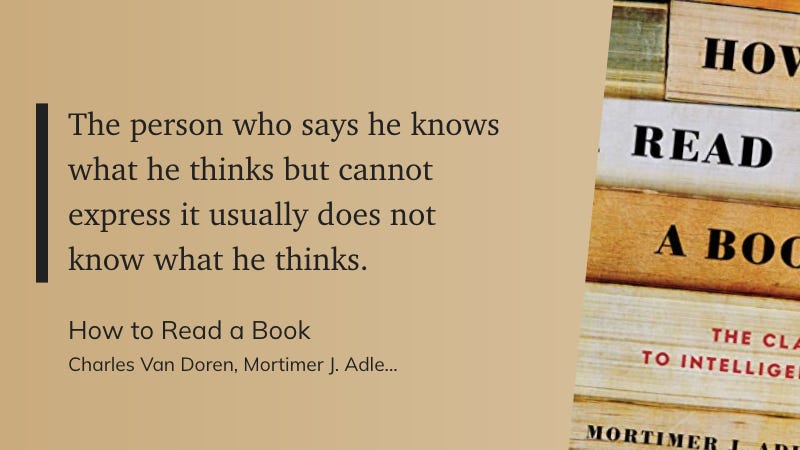
📚 Quotes From Books
🔖Post I Found Useful
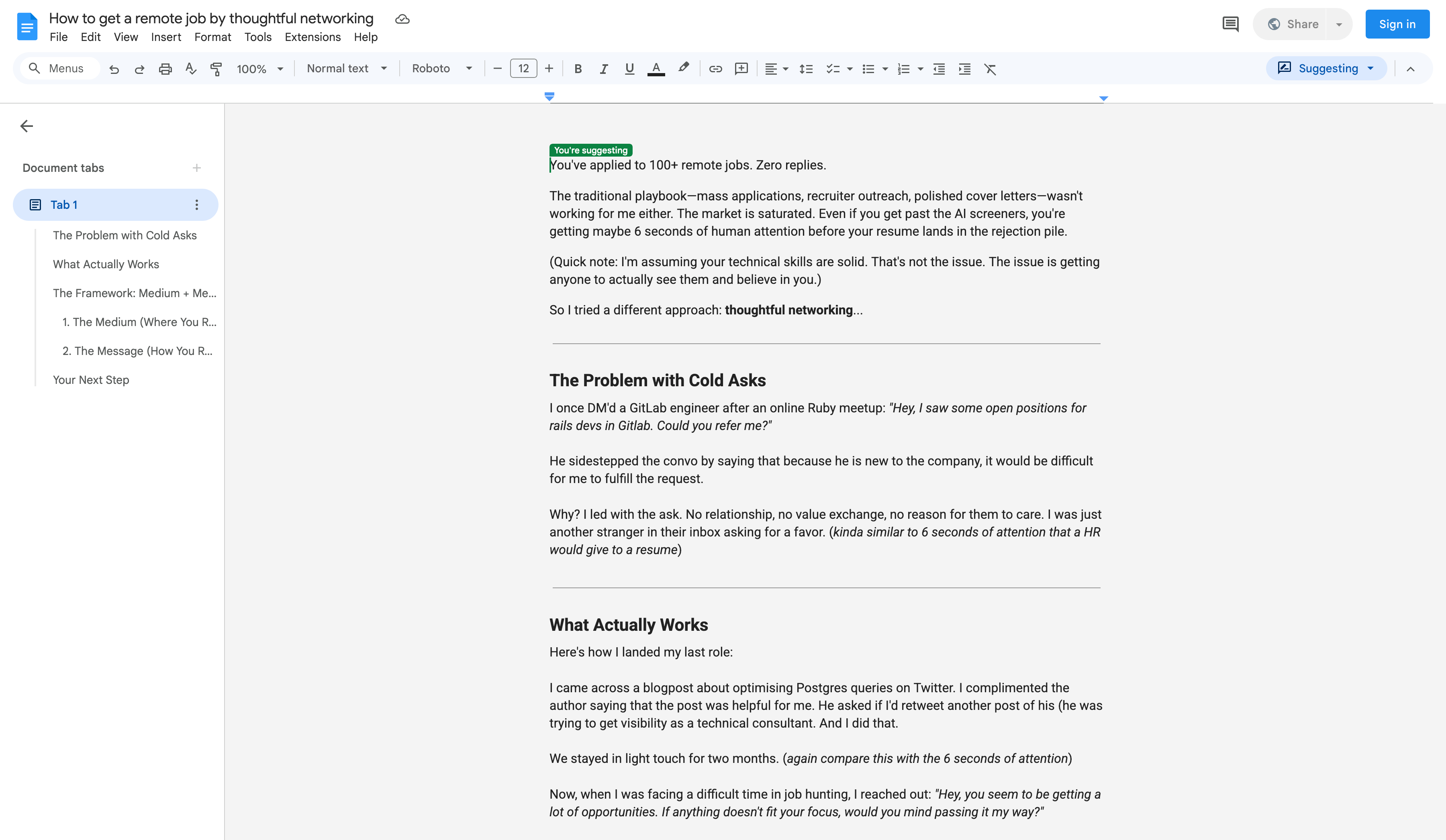
1. How to get a remote job by thoughtful networking
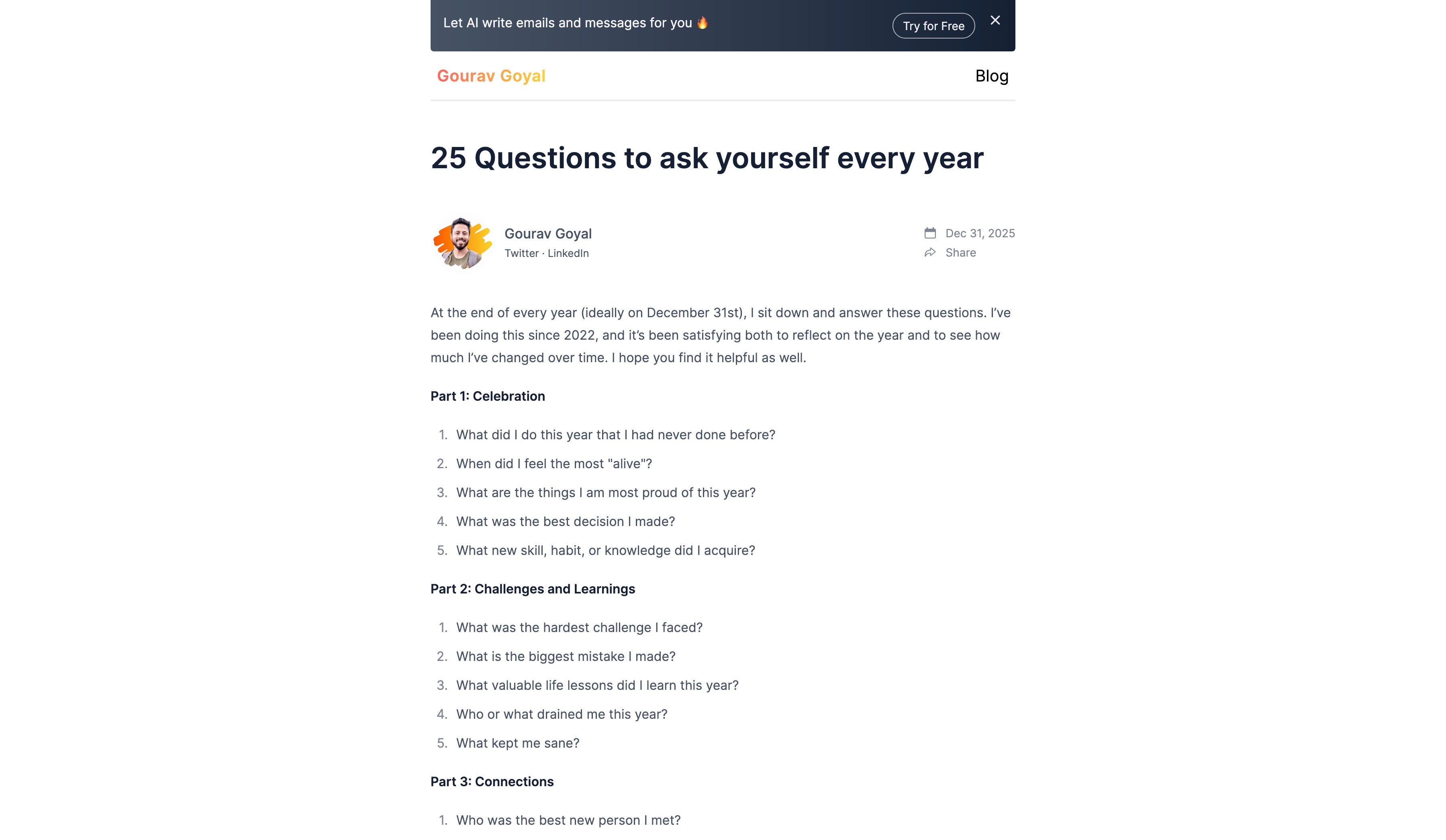
2. 25 Questions to Ask Yourself Every Year by Gourav Goyal
😂Fun and Memes
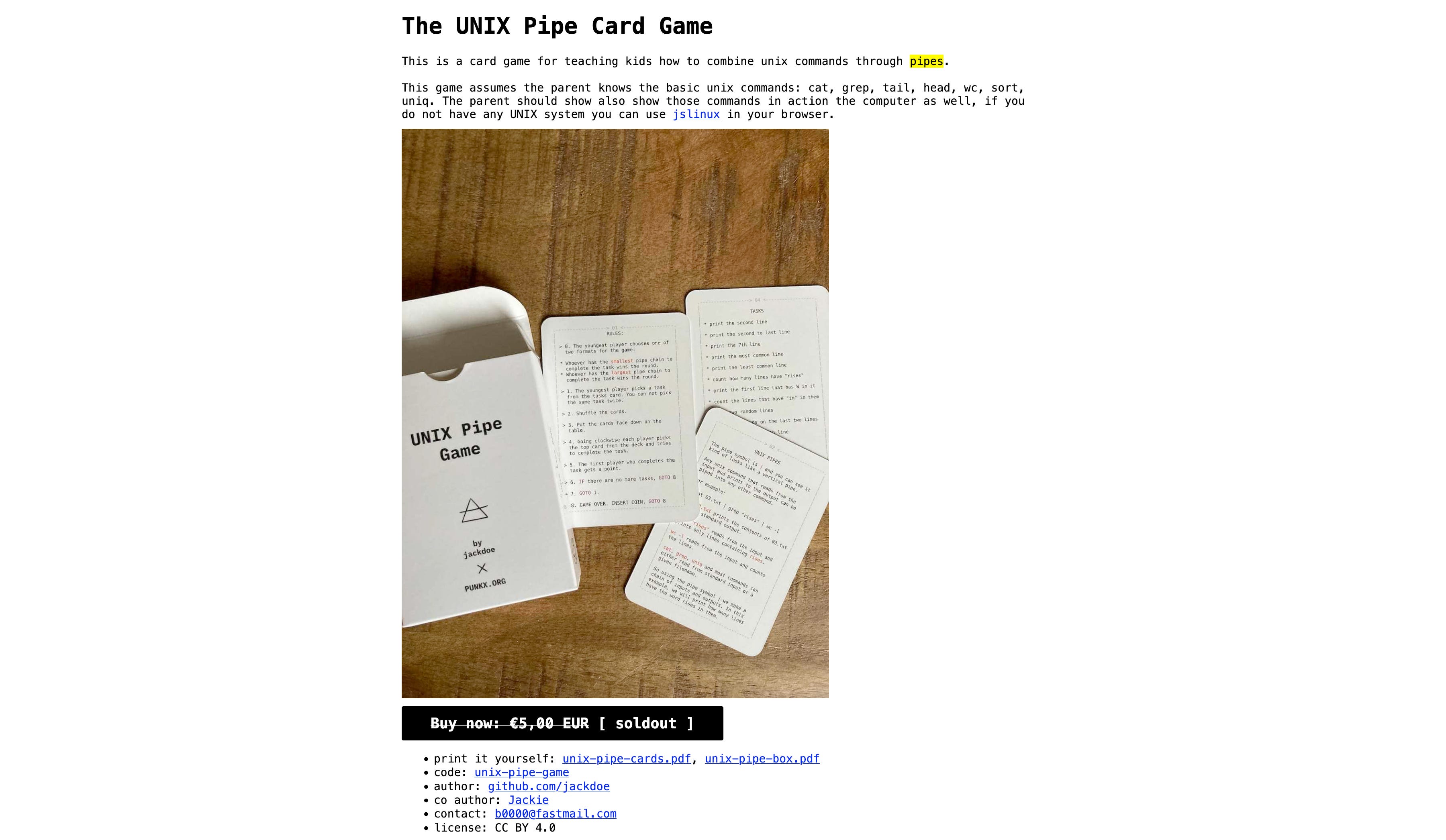
1. The UNIX Pipe Card Game
👋🏻 That’s it, Folks
I am currently open for consultation part-time/full-time, specialized in mobile development with Android and Flutter. So if you are looking for someone to:
Build product architecture from scratch
Train existing developers to level up
Fix major bottlenecks in legacy codebase
Improve code quality
And most importantly, ship things faster
then reach out to me at info@burhanrashid52.com.